
Hyde App Hider - Hide Apps
ZipoApps
Downloads
10,000,000+
Source
Google Play
Click to download now, finish the installation quickly, and directly unlock the all-round experience
Screenshots
Click to download now, finish the installation quickly, and directly unlock the all-round experience
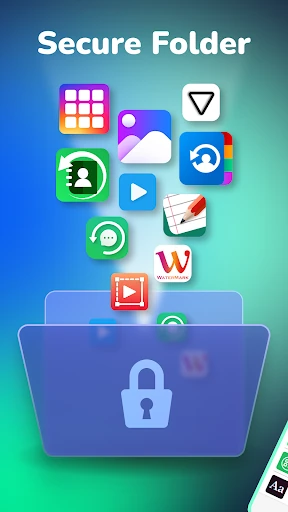
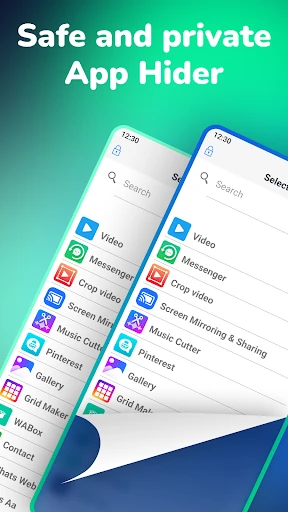
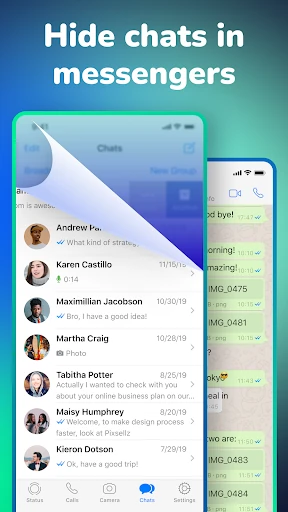
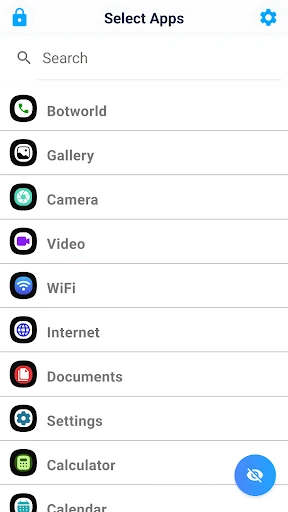
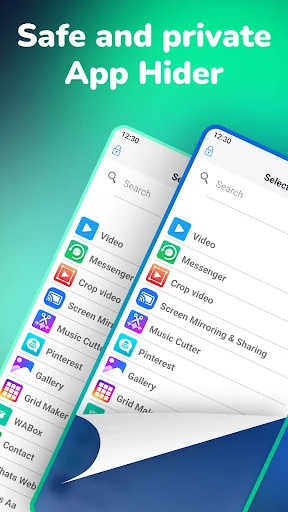
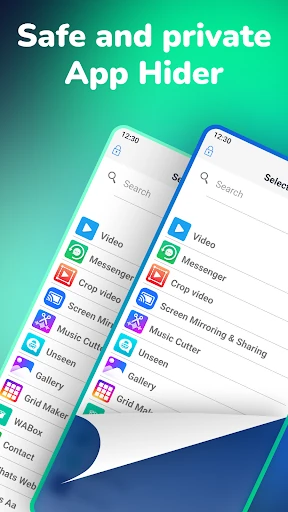
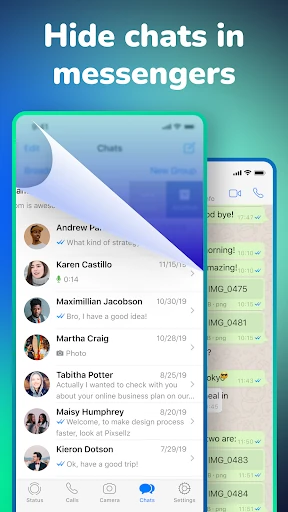
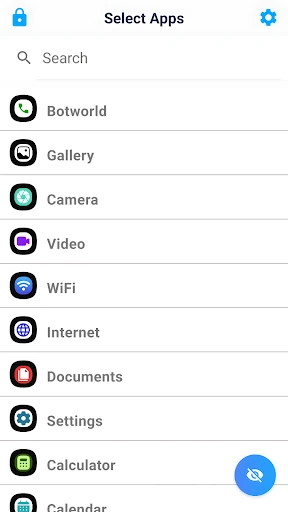
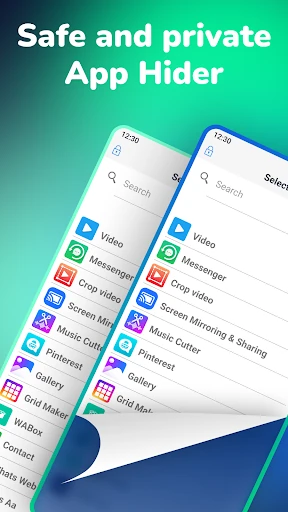
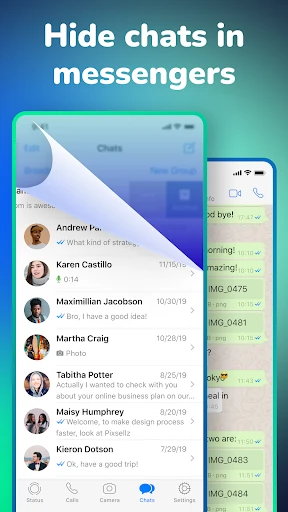
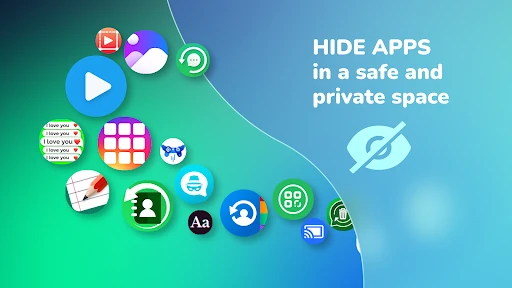
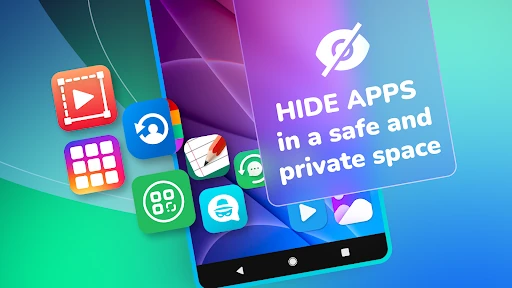
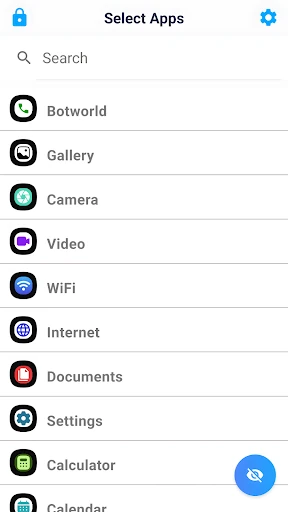
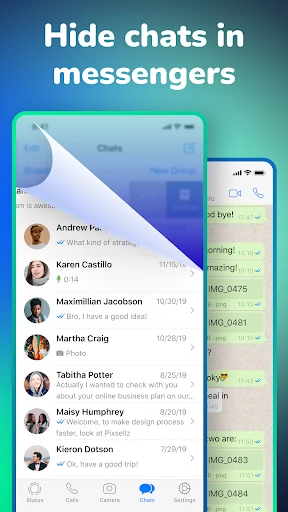
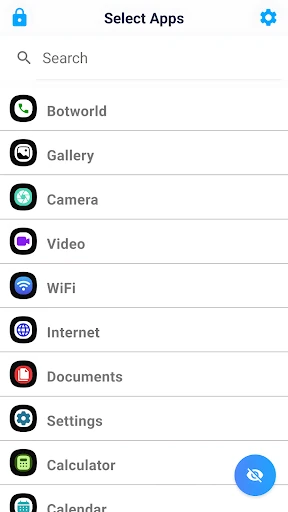
Hyde App Hider - Hide Apps lets you select apps to keep out of view in the regular app drawer. It suits Android users who want a separate place to manage apps they do not want immediately visible, rather than a broad device-management tool. Hyde can also hide its own presence from the app drawer.
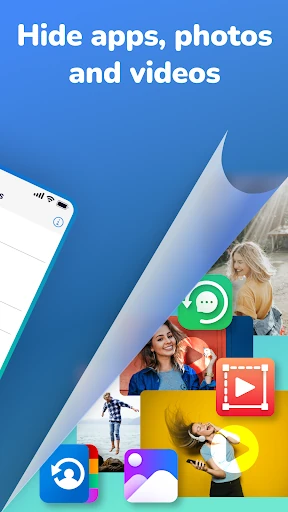
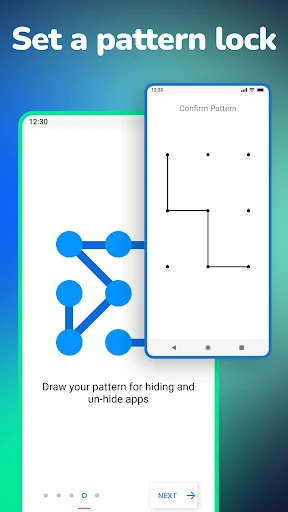
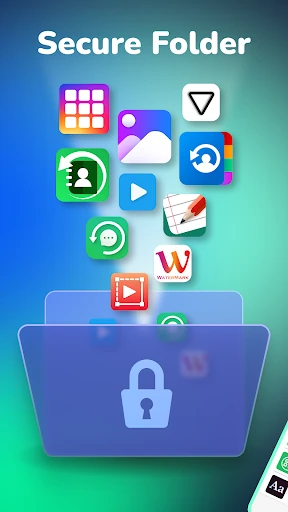
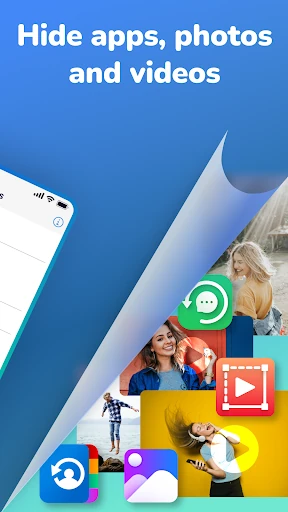
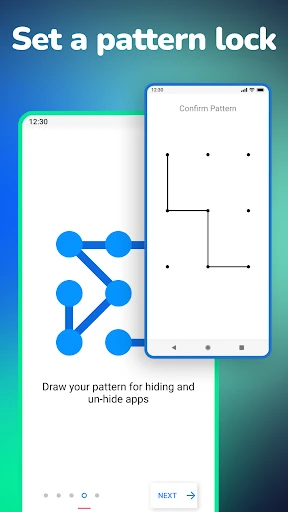
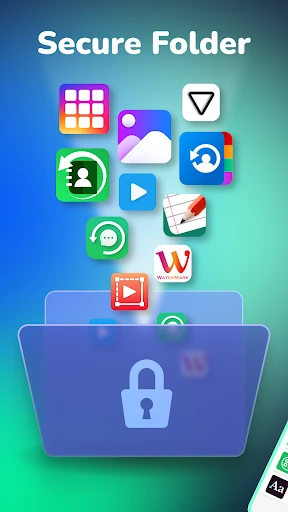
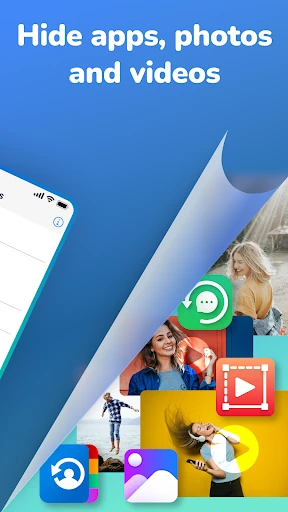
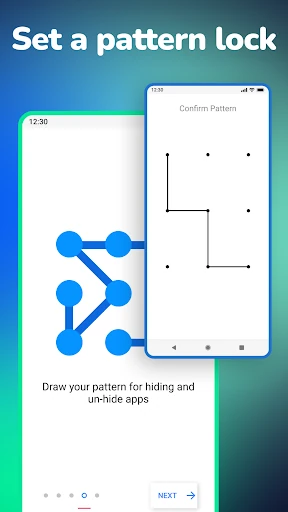
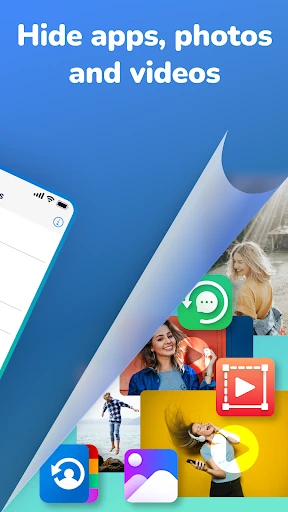
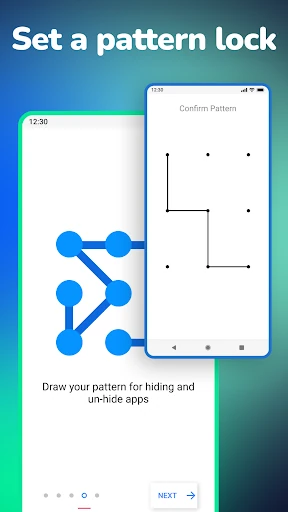
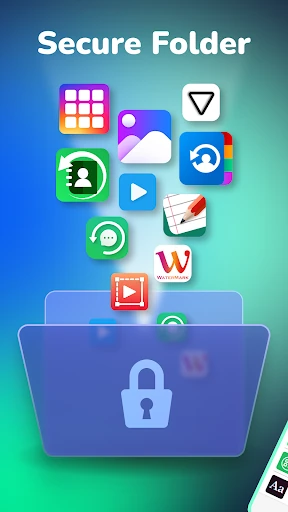
Alongside app hiding, Hyde includes a vault for photos and videos. A pattern lock provides an access check for the hidden area, and a double-tap gesture can open it. These features make the app useful for someone who wants to bring hidden apps and private media together in one interface.
Hyde is aimed at keeping selected items out of casual view, not at replacing every privacy or security setting on an Android device. Its pattern lock is the stated access method, so users looking for a different kind of authentication should check whether that suits them. The app’s focus is narrow: hide apps, manage private media, and reach that space through its own interface.
In the Personalization category, Hyde is published by ZipoApps. Its 4.6-star rating comes from about 334,000 reviews, and the listing shows more than 10 million installs. Those figures indicate broad uptake, but the practical question is whether you want a dedicated hider with a media vault. Choose it for that specific job, not as a general-purpose privacy suite.